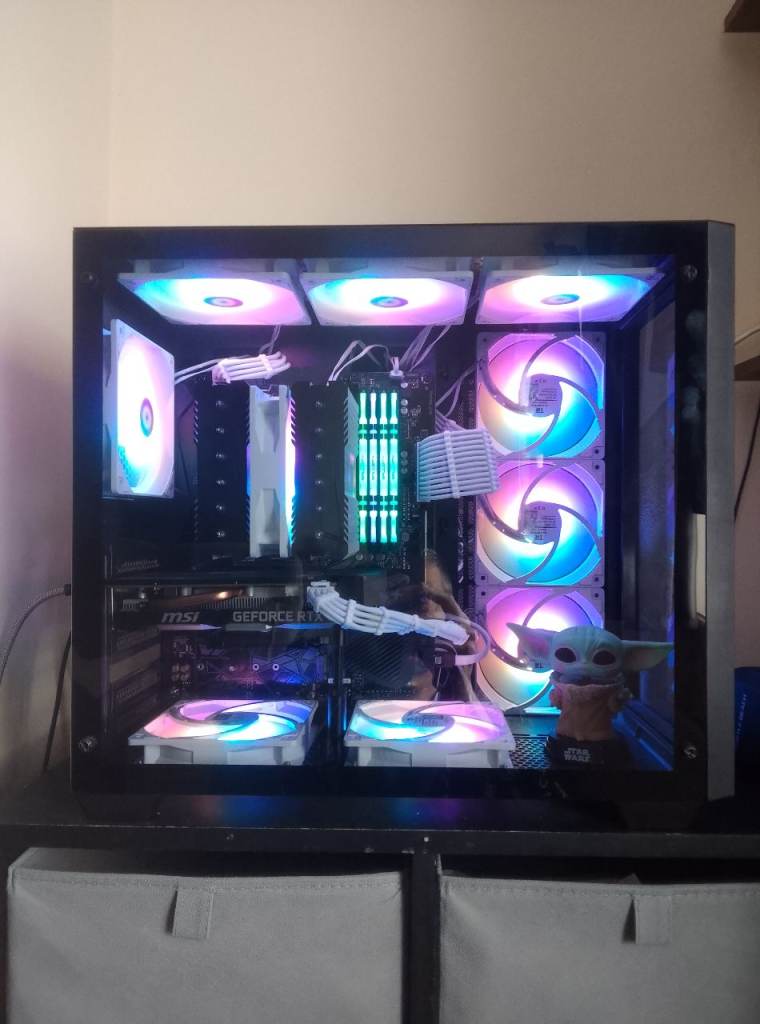
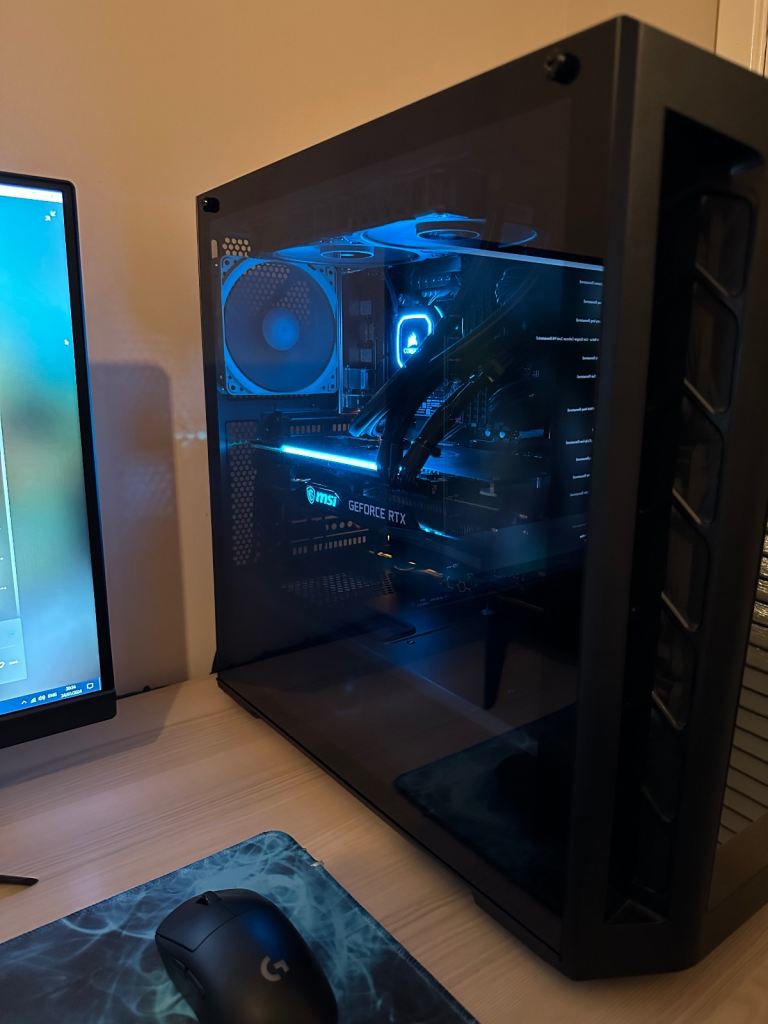
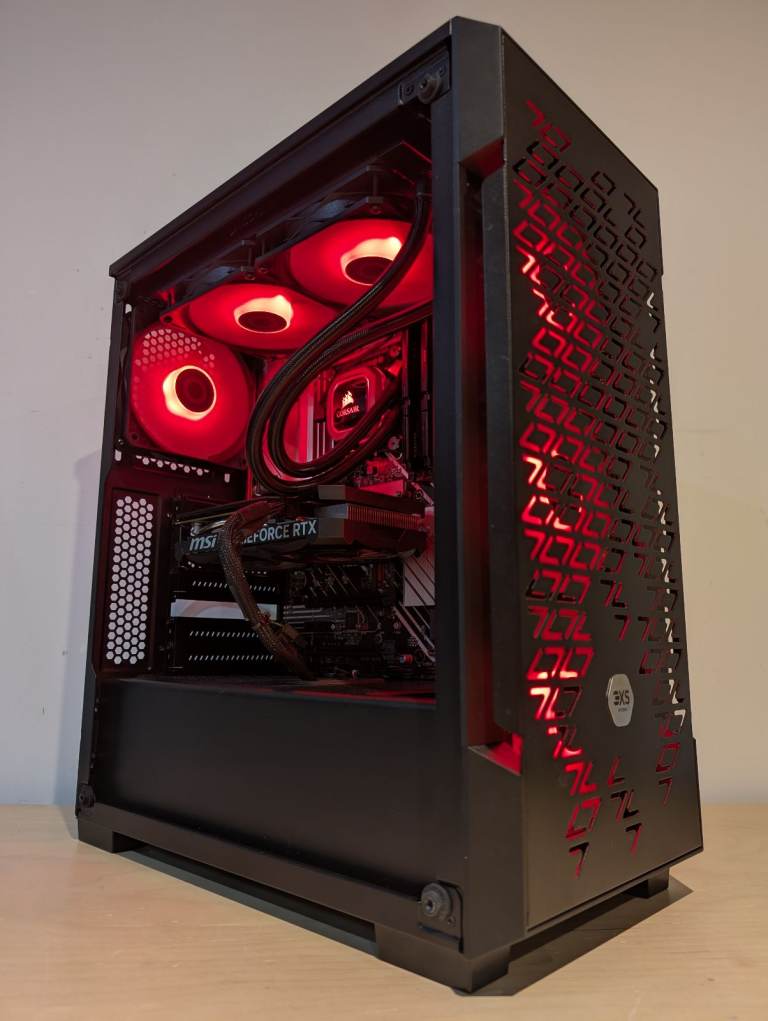
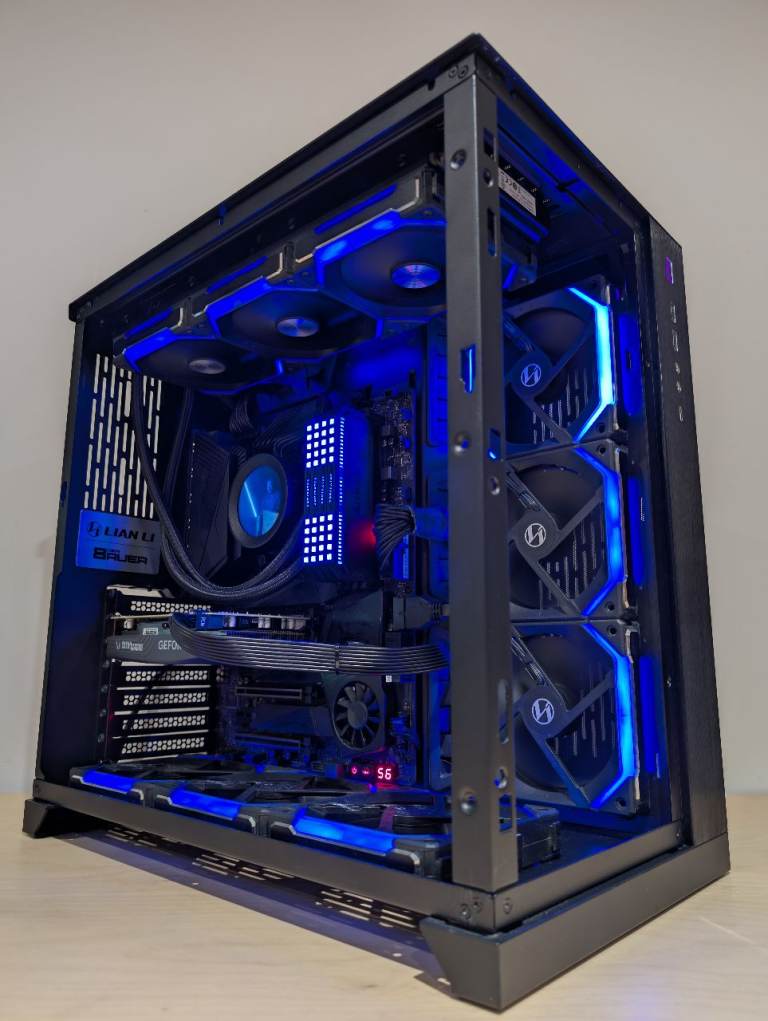
What specifications should I look for in a gaming PC to ensure it meets my needs?
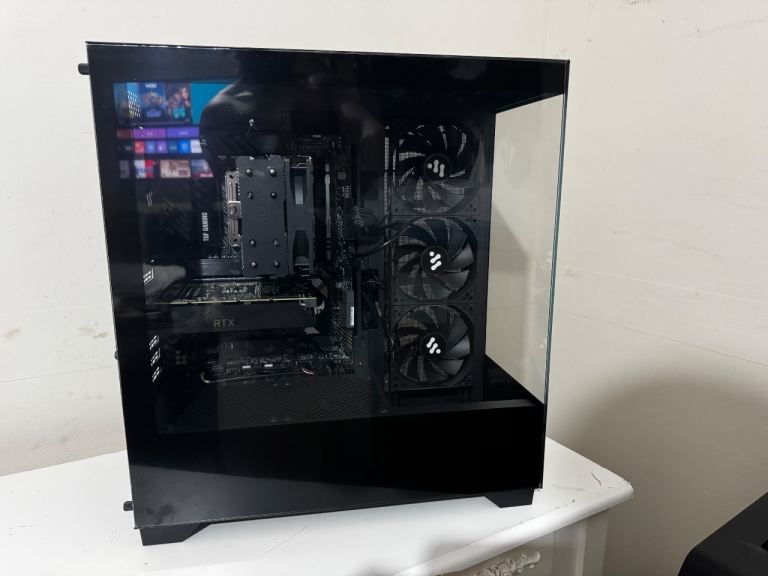
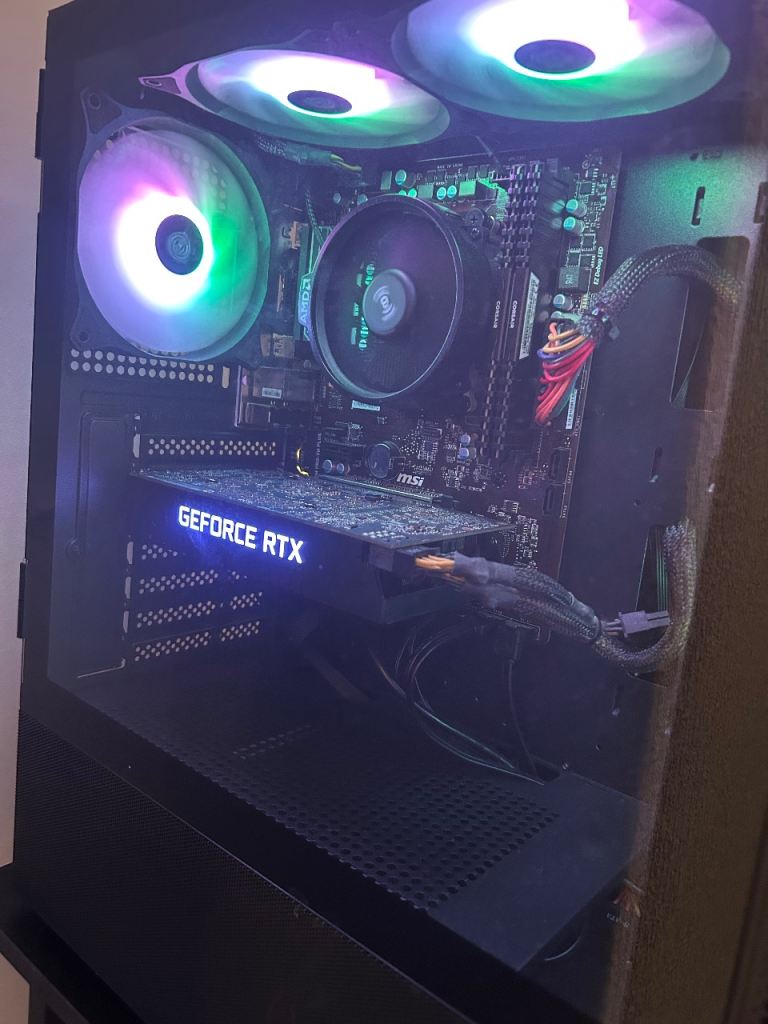
Consider the processor (CPU), graphics card (GPU), RAM, storage (SSD or HDD), and motherboard. The CPU and GPU are crucial for gaming performance. Check the clock speed, number of cores, and generation of the CPU. For the GPU, look at the VRAM and benchmark scores for the games you want to play. 16GB of RAM is generally recommended for modern games, and an SSD will significantly improve loading times. Research compatibility between components before purchasing.
What should I check when buying a used gaming PC to avoid potential issues?
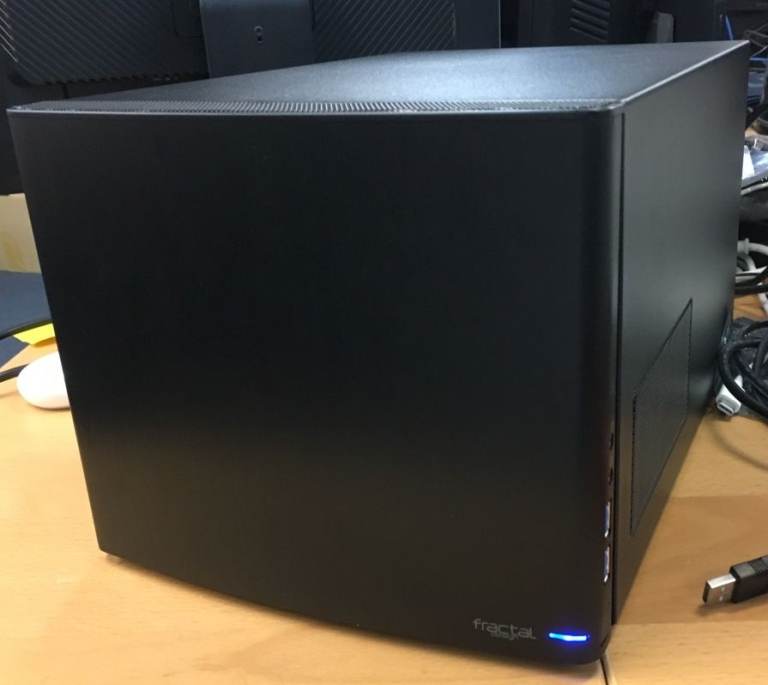
Inspect the PC for physical damage, such as dents or broken ports. Ask the seller to demonstrate the PC running a demanding game or benchmark to assess its performance and stability. Check the temperatures of the CPU and GPU during gameplay to ensure they are within safe limits. Also, inquire about the PC's history, including any repairs or modifications.
How can I verify the authenticity of the components listed in a gaming PC's specifications?
Ask the seller for the model numbers of the CPU, GPU, RAM, and storage devices. You can then verify these model numbers against official manufacturer websites or online databases to ensure they match the listed specifications. Be wary of PCs with generic or unbranded components, as these may be of lower quality or misrepresented.
What are the legal considerations when buying a used gaming PC in the UK?
Under UK law, private sellers are generally not required to provide the same level of warranty as businesses. However, they must accurately describe the item being sold. If the PC is significantly different from the description, you may have grounds for a refund. It's always best to inspect the PC thoroughly before purchasing and obtain a receipt from the seller.
What safety precautions should I take when setting up a gaming PC?
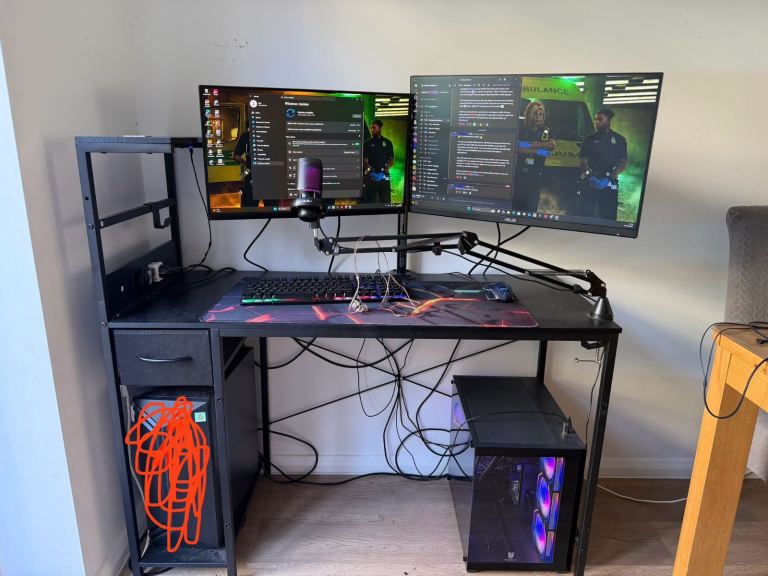
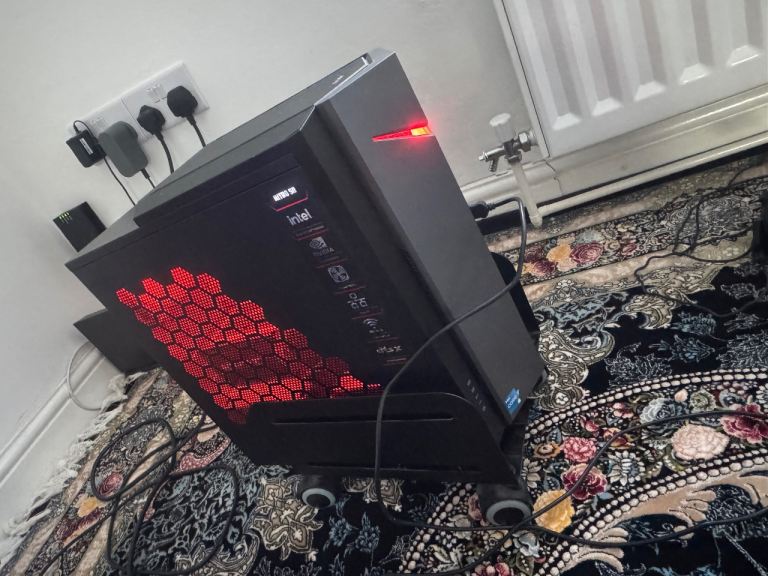
Ensure the PC is placed on a stable surface and has adequate ventilation to prevent overheating. Use a surge protector to protect the PC from power surges. When connecting peripherals, ensure the PC is switched off to avoid electrical damage. Keep liquids away from the PC to prevent short circuits. If you are unfamiliar with PC hardware, consult a professional for assistance with setup or repairs.