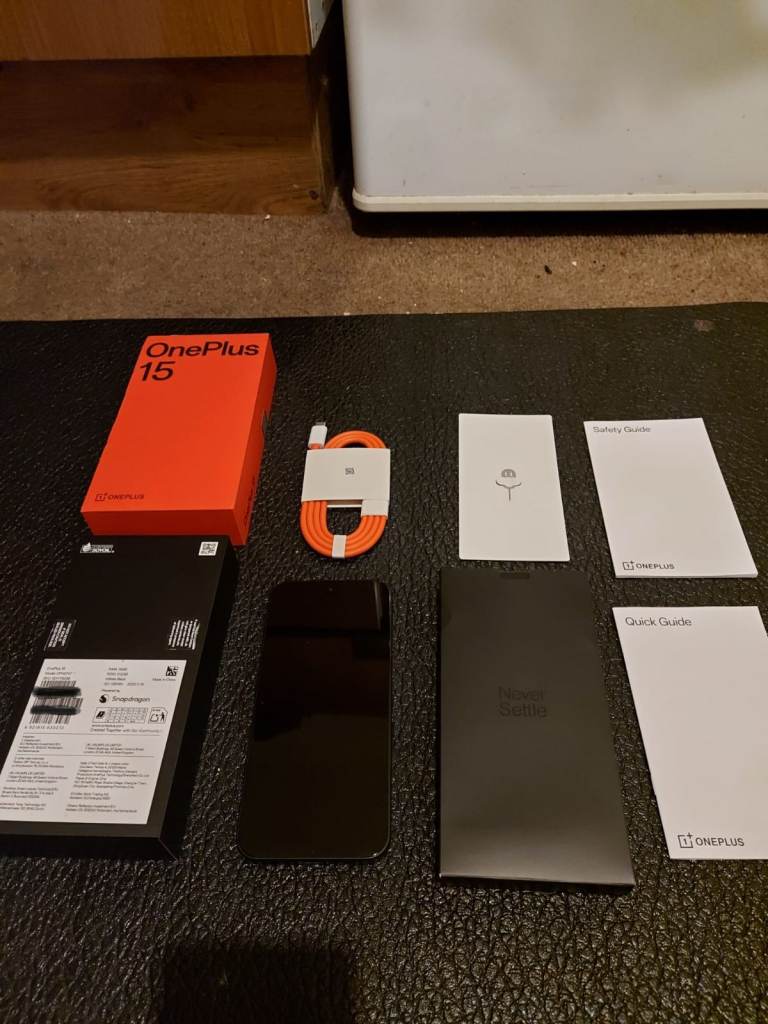
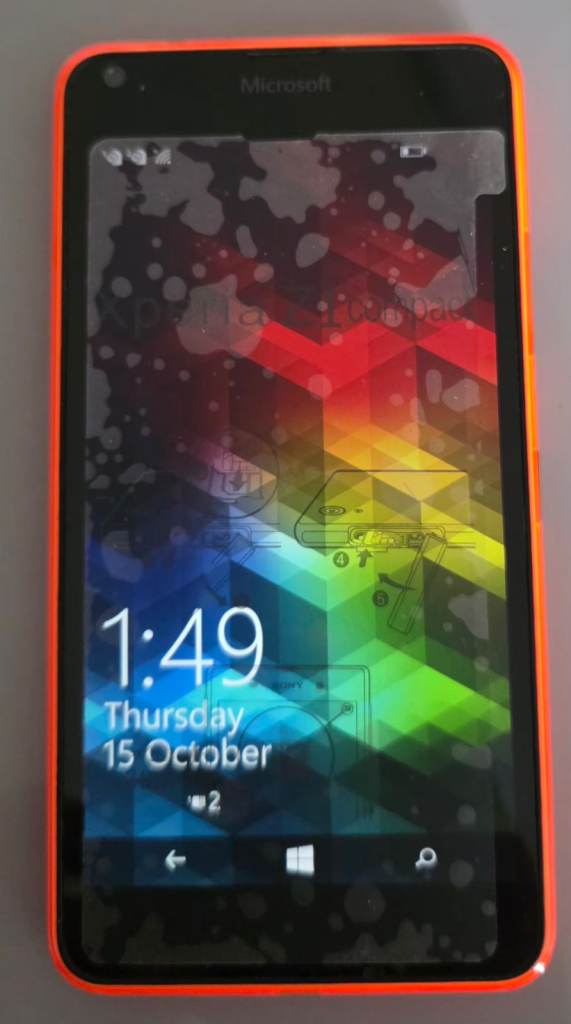
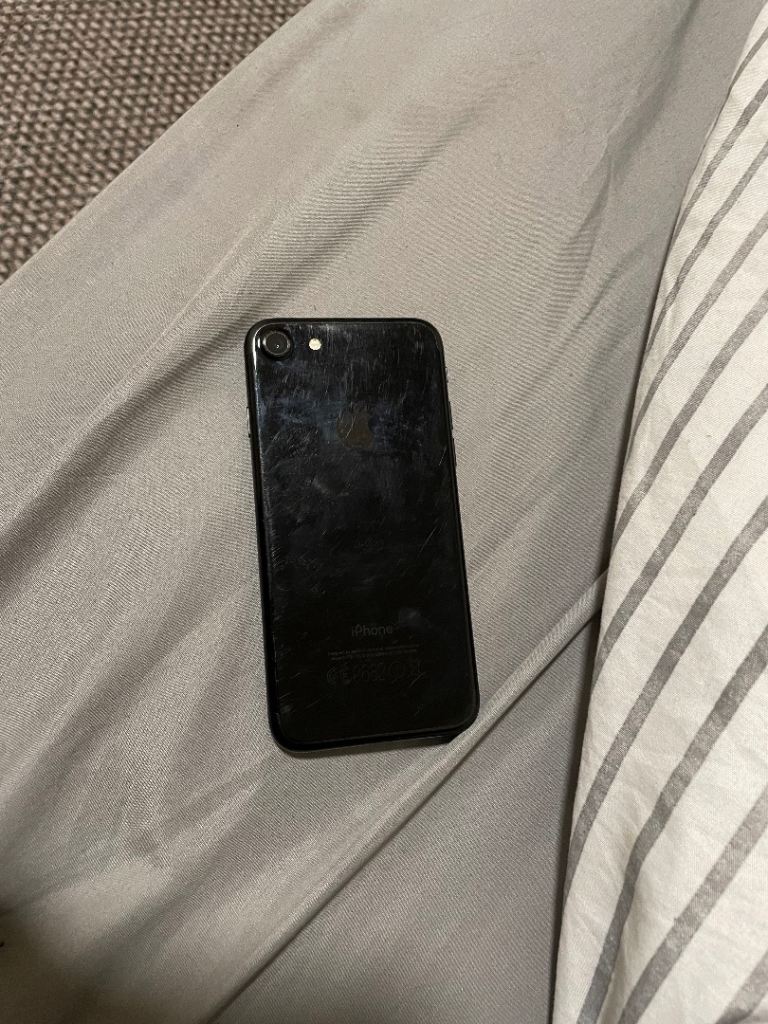
What should I check when buying a used phone?
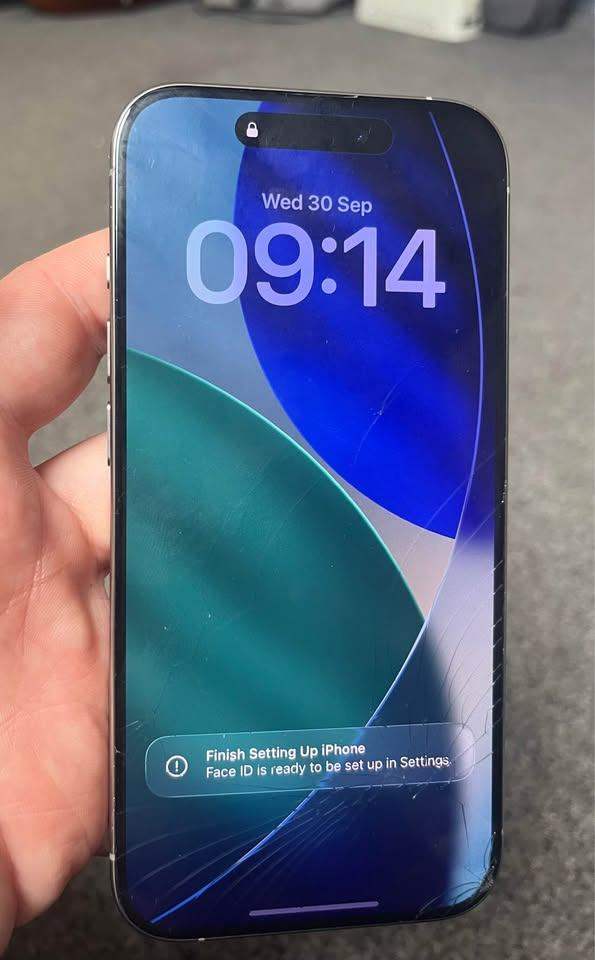
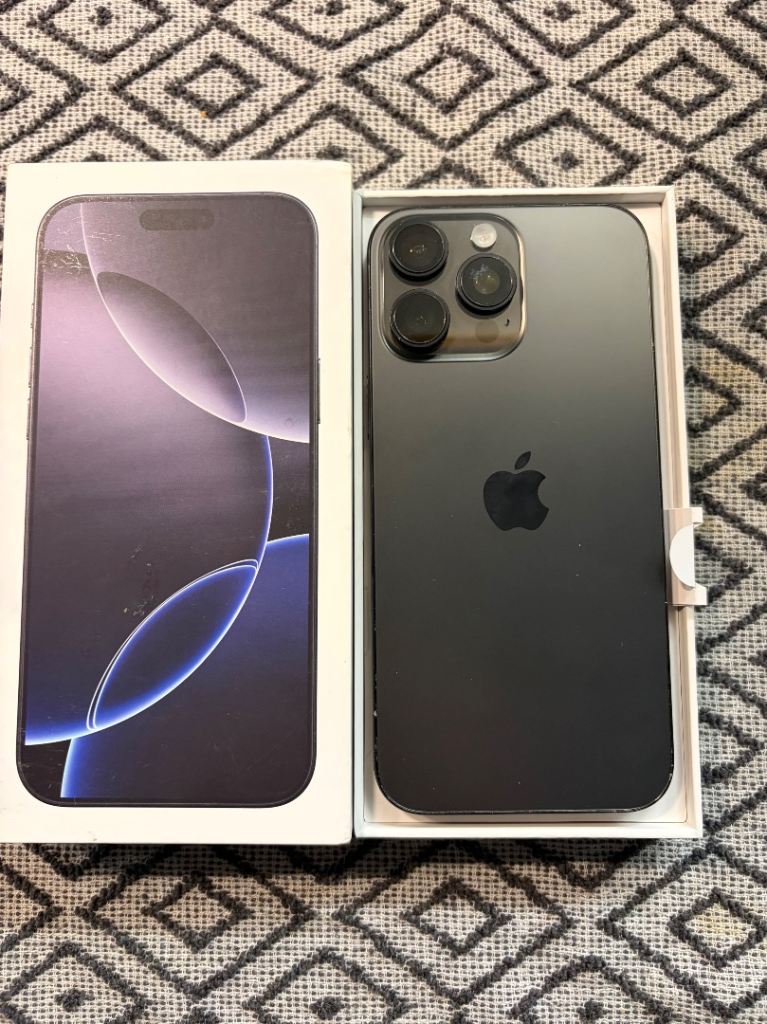
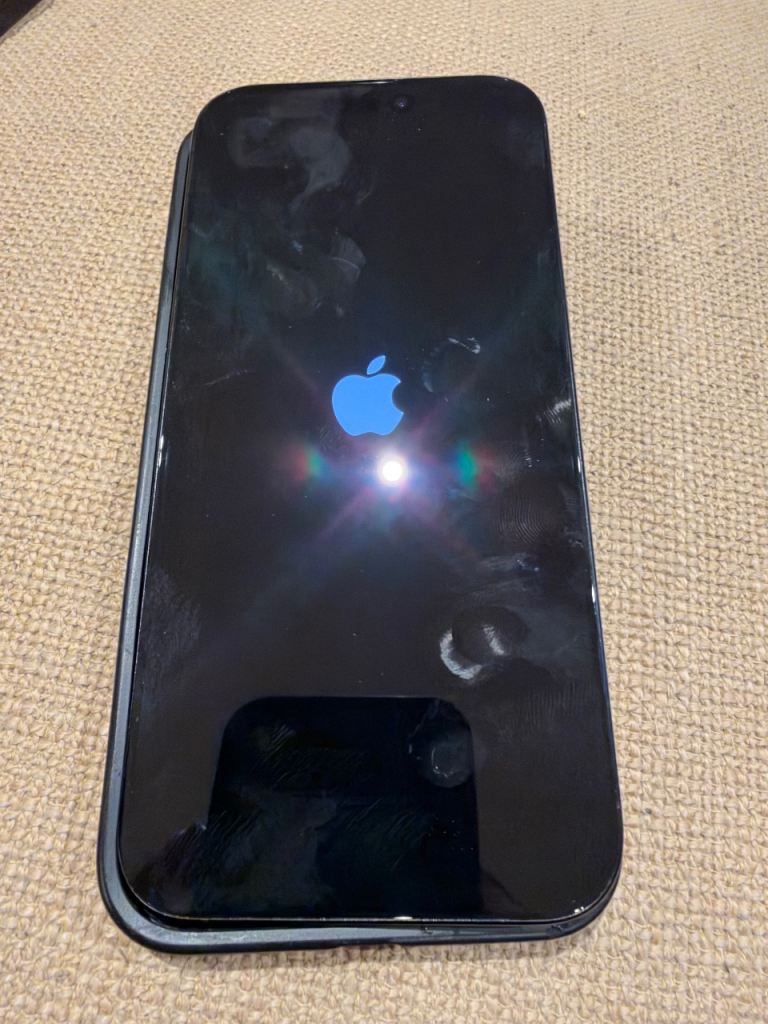
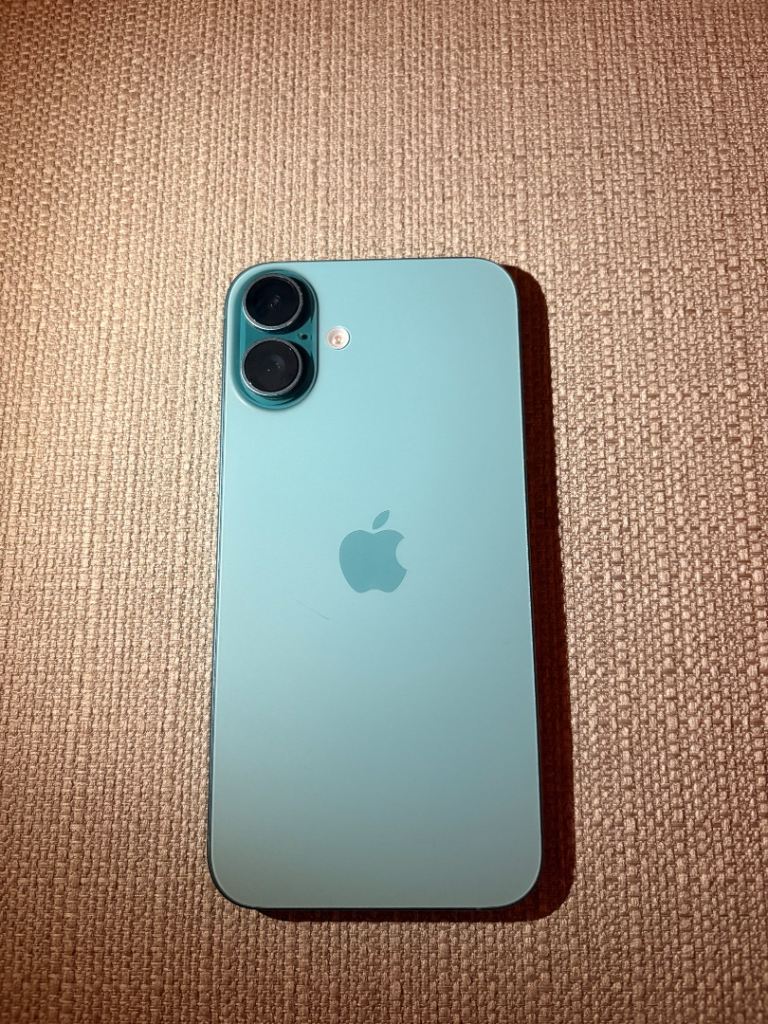
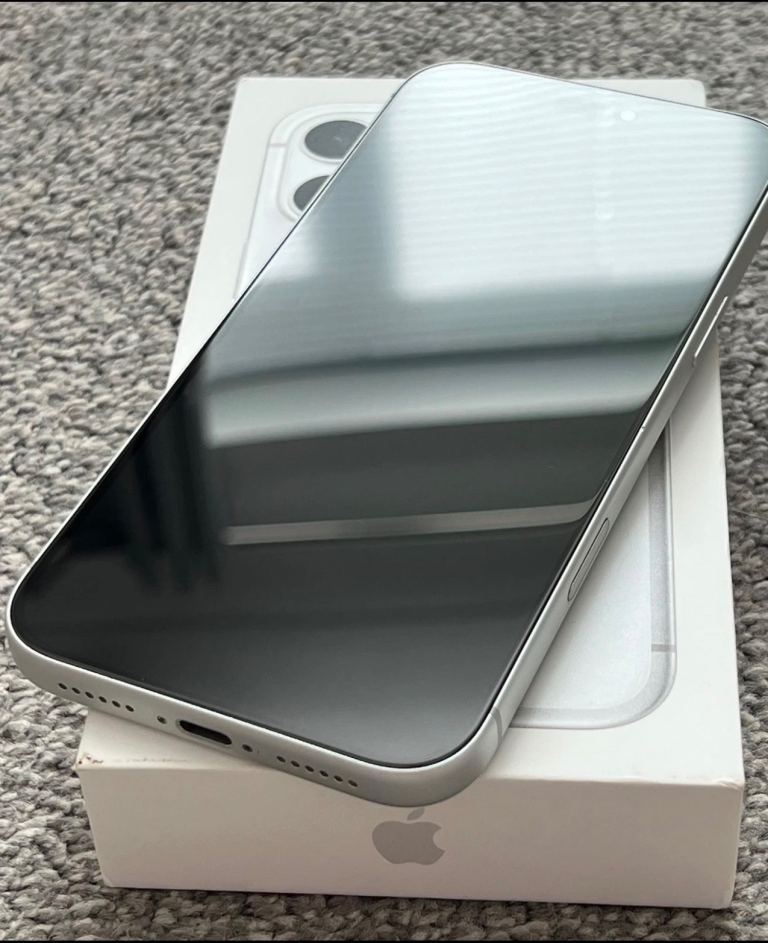
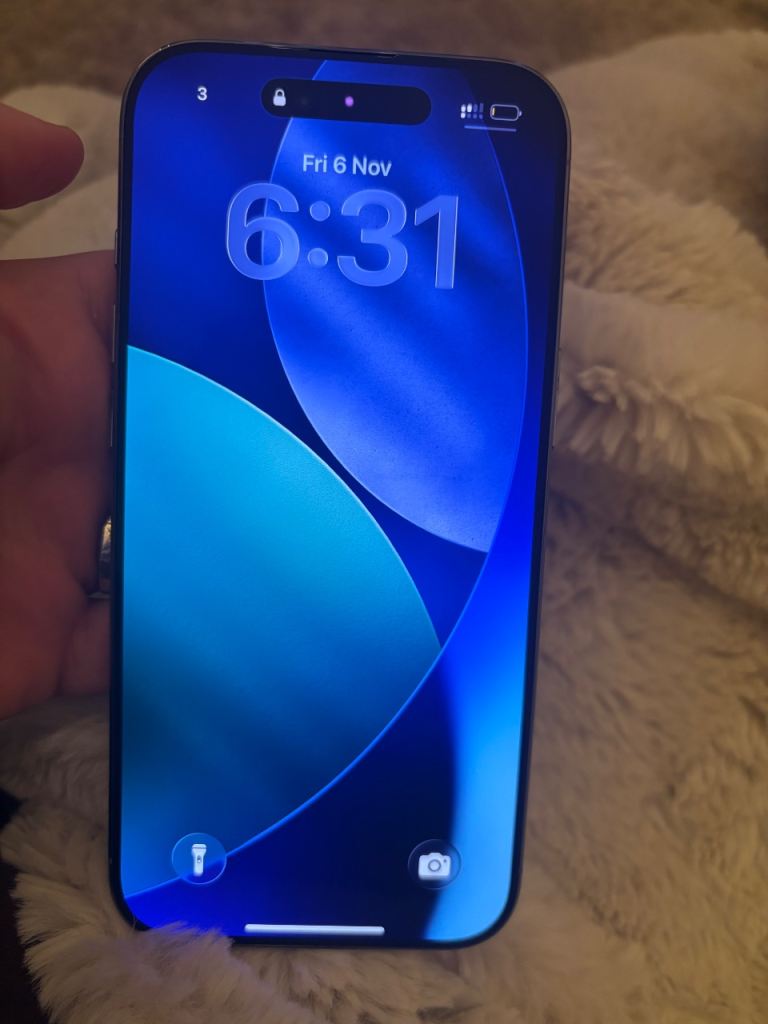
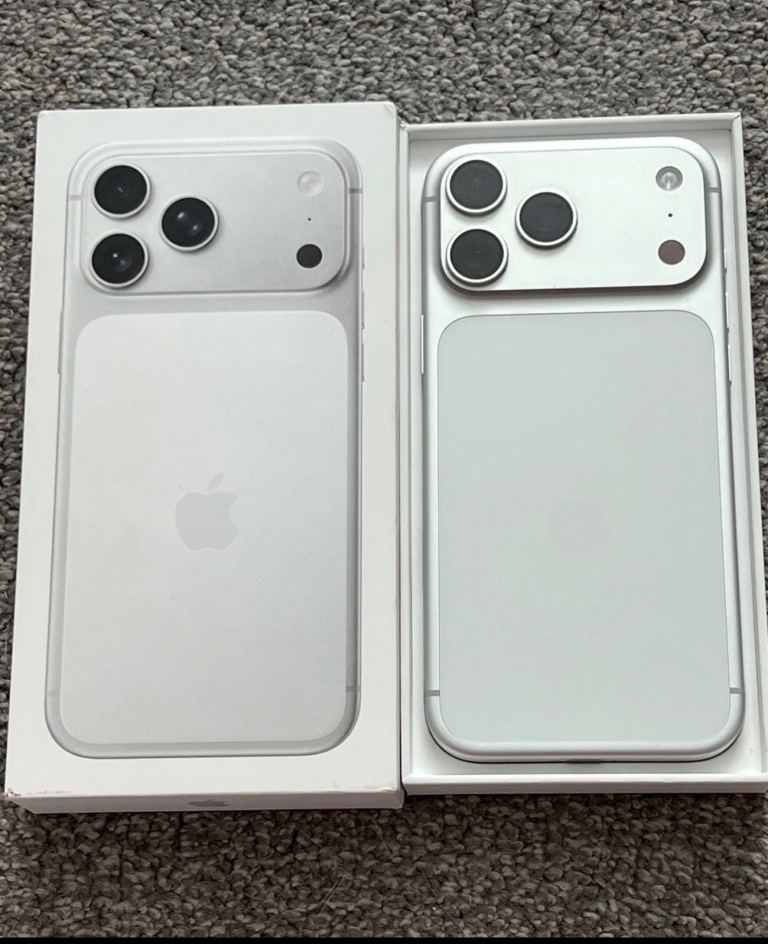
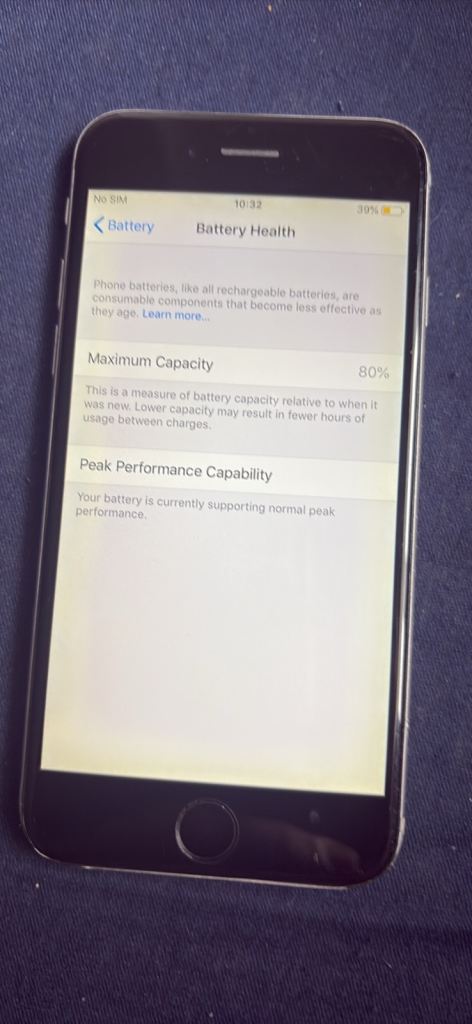
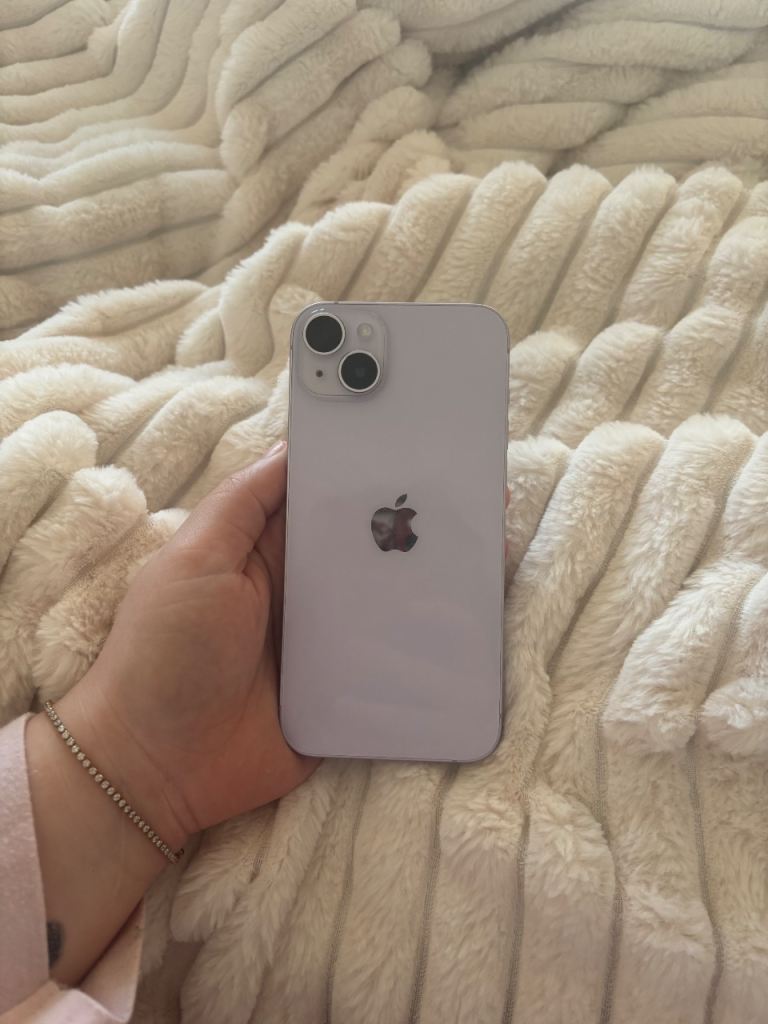
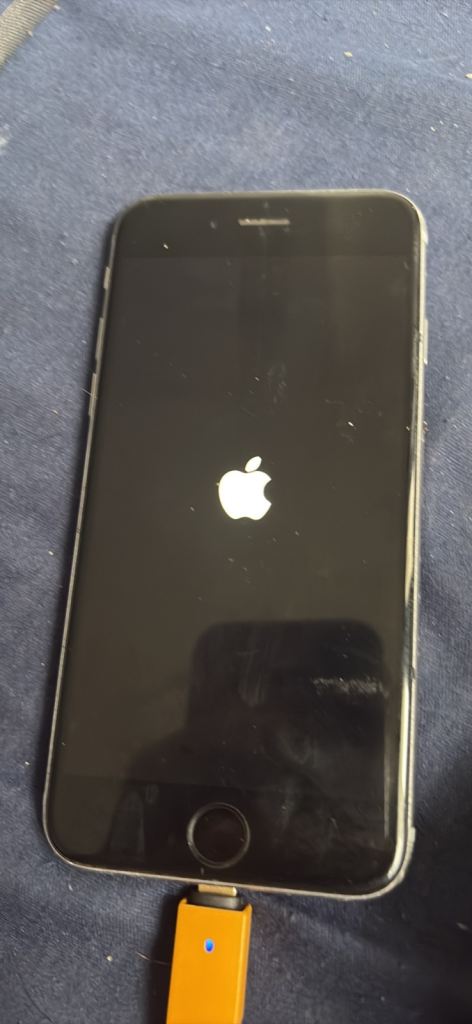
When buying a used phone, thoroughly inspect the screen for scratches, cracks, or dead pixels. Check the phone's ports (charging, headphone) for damage or debris. Test the camera, microphone, and speakers. Verify the IMEI number hasn't been blacklisted due to being lost or stolen. Ask about the battery health, as older batteries may not hold a charge as well.
How can I ensure the phone isn't locked to a specific network?
Ask the seller if the phone is unlocked and able to be used on any network. If possible, insert a SIM card from a different network to verify it works. You can also check the phone's settings for network lock information or use an IMEI checker service (though these may incur a small fee).
What are my rights as a buyer when purchasing a used phone privately in the UK?
When buying privately, your rights are more limited than buying from a retailer. The Sale of Goods Act doesn't fully apply. However, the seller must accurately describe the phone. If the phone is significantly different from the description, you may have grounds for a refund. It's best to inspect the phone thoroughly before purchasing and agree on a return policy with the seller beforehand, if possible.
What security precautions should I take when meeting a seller to buy a phone?
Always meet in a public place during daylight hours. Bring a friend or family member with you. Let someone know where you are going and when you expect to be back. Inspect the phone thoroughly before handing over any money. Be wary of sellers who are reluctant to meet in a public place or who pressure you to buy quickly.
What should I do after purchasing a used phone to protect my data and privacy?
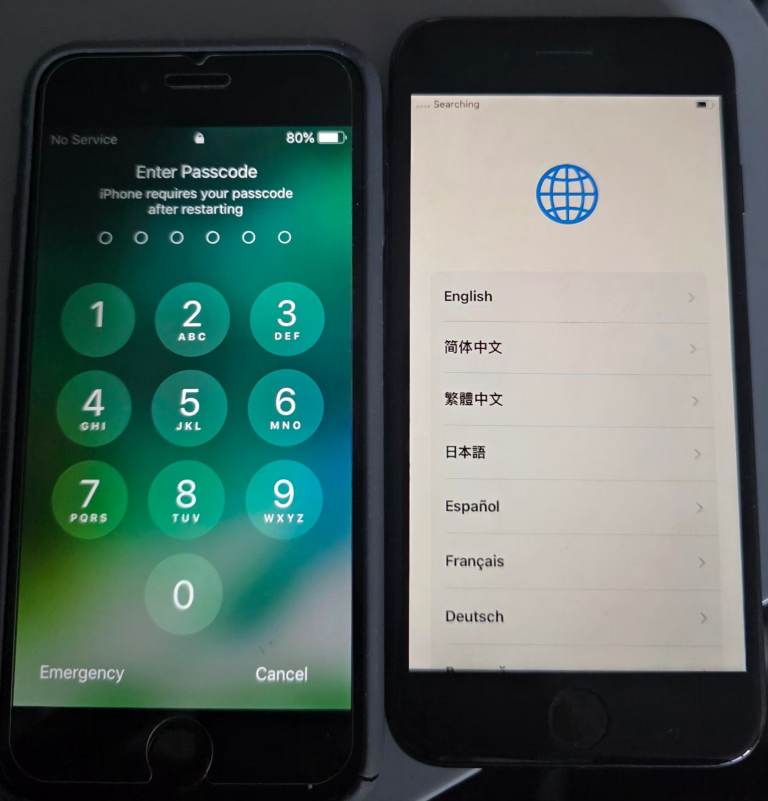
Perform a factory reset on the phone to erase any previous owner's data. Change all default passwords and security settings. Install a reputable antivirus app. Be cautious about downloading apps from unknown sources. Regularly back up your data to a secure location.