2
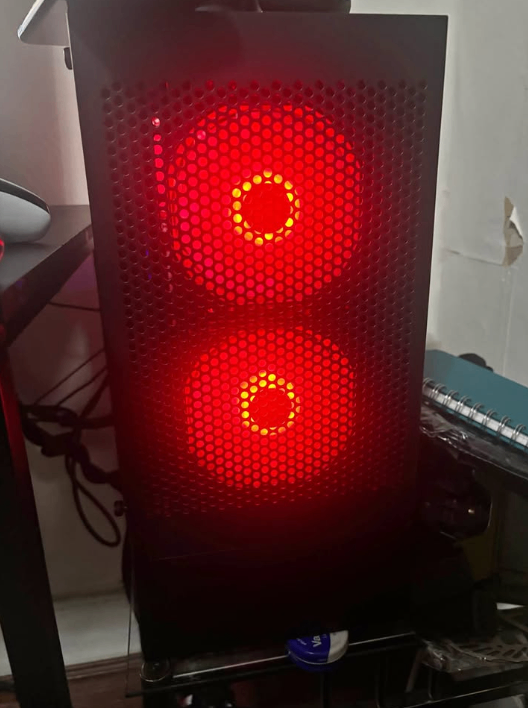
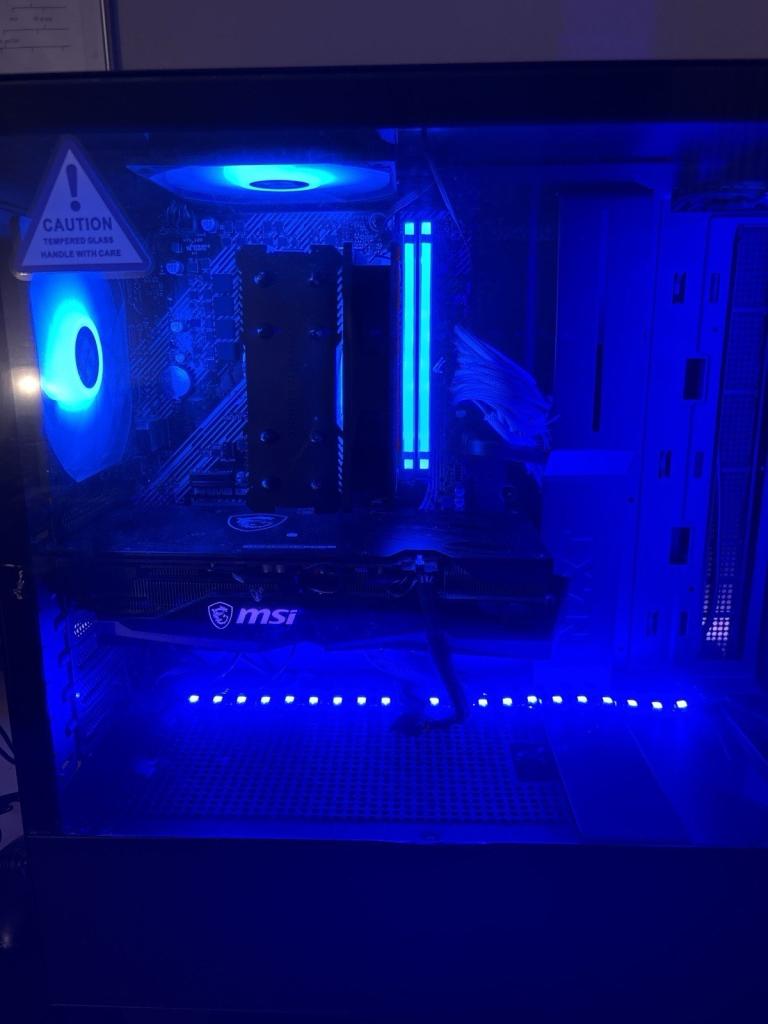
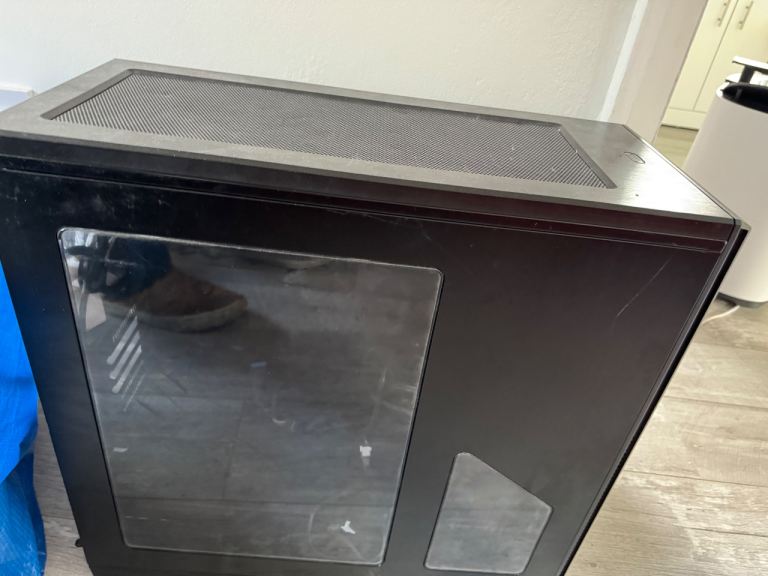
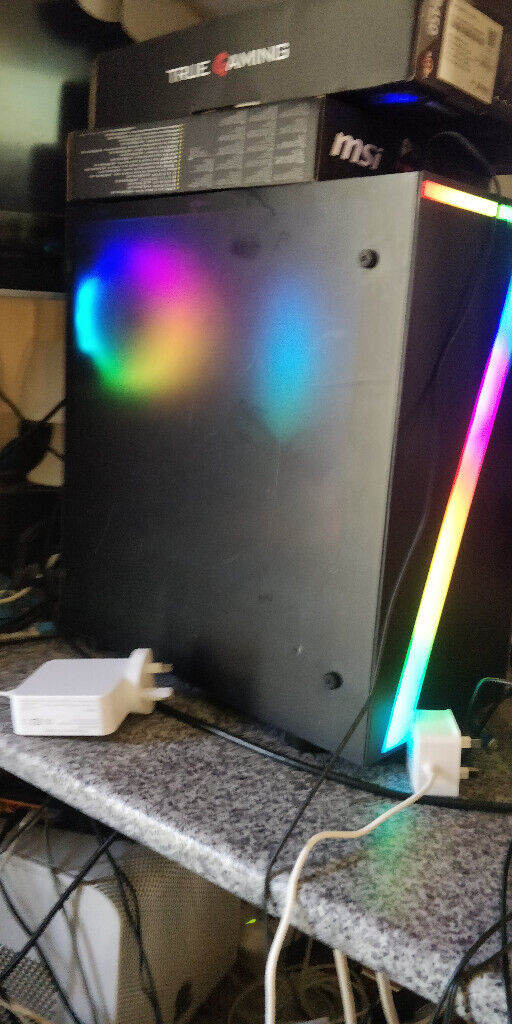
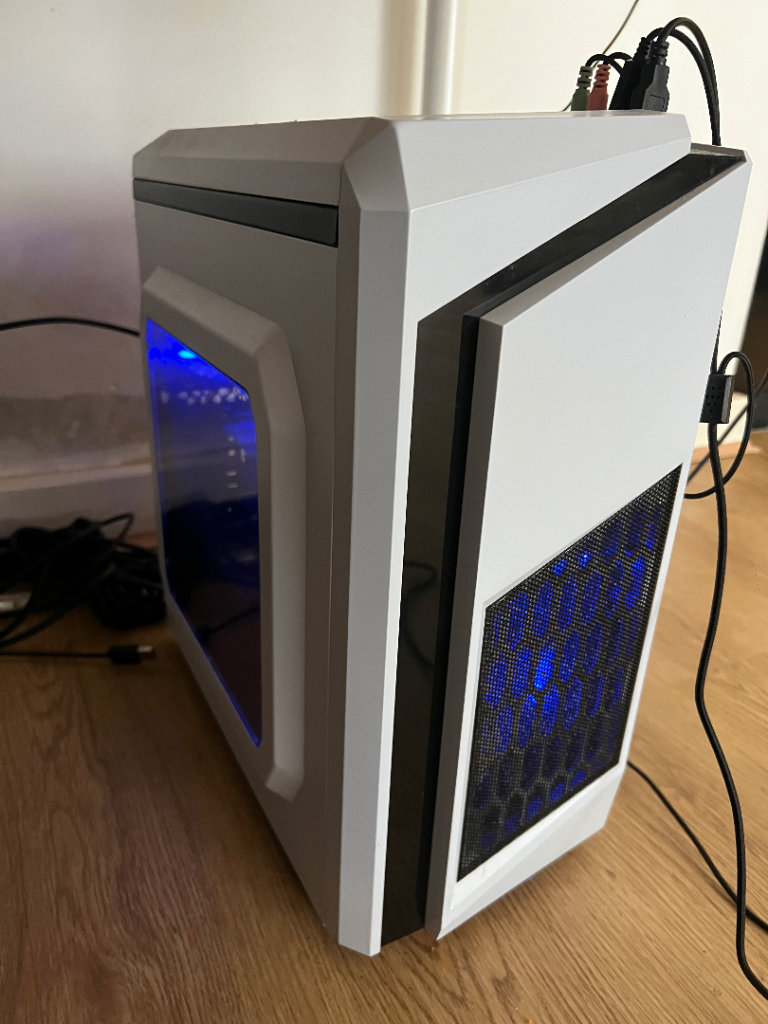
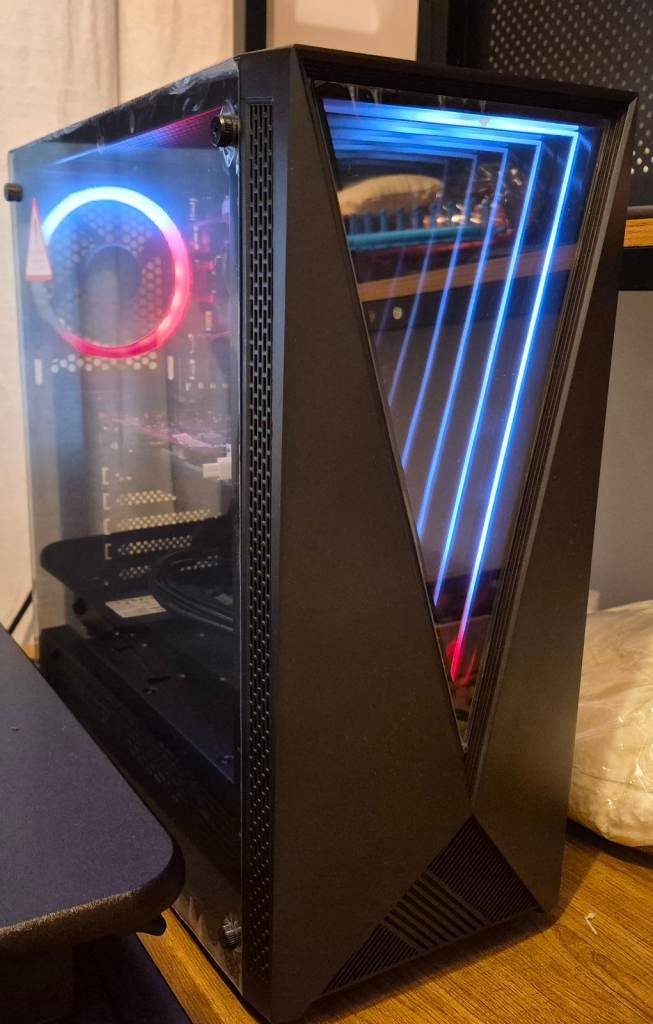
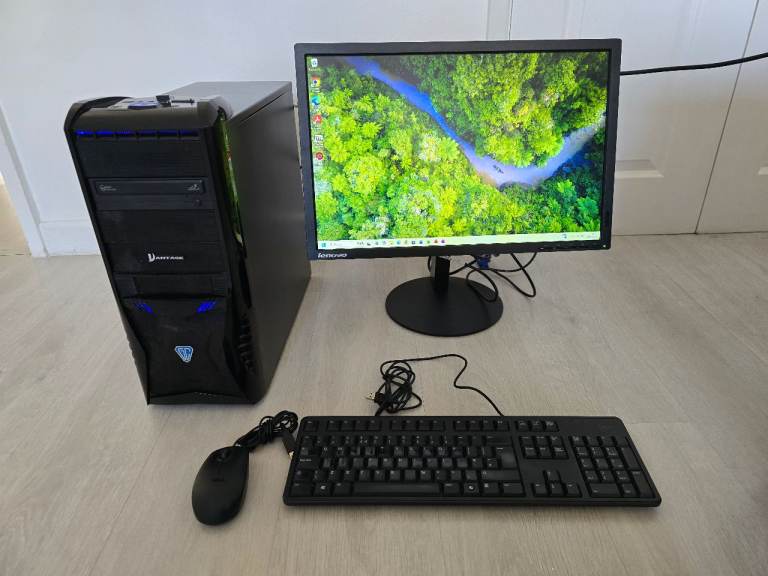
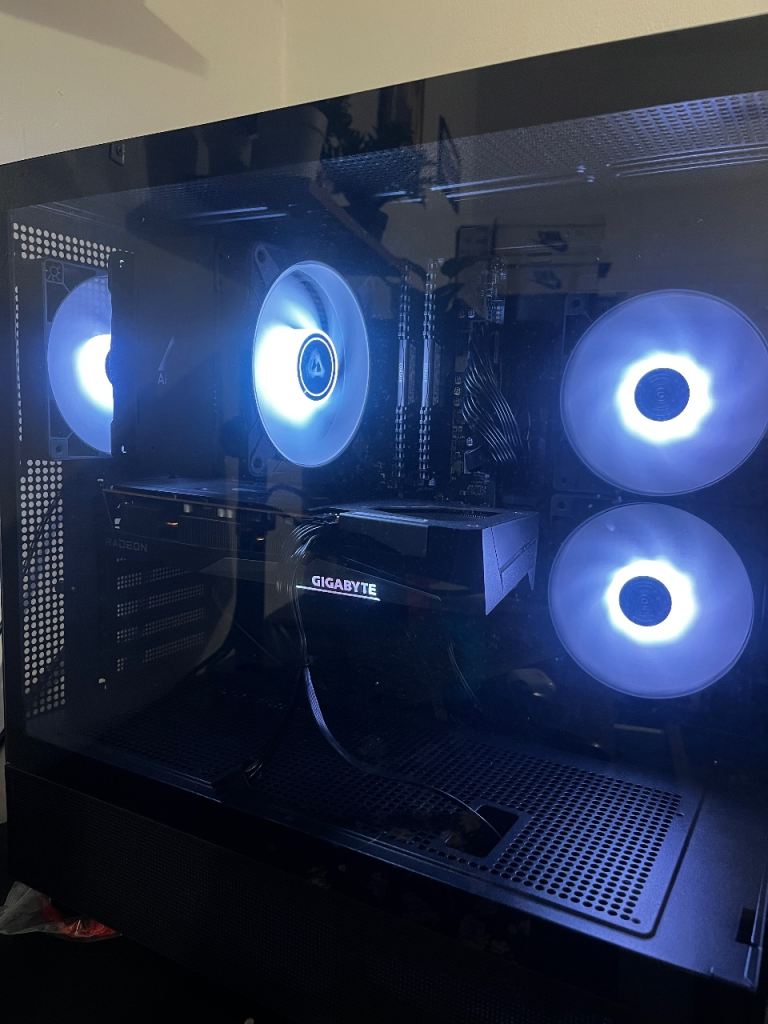
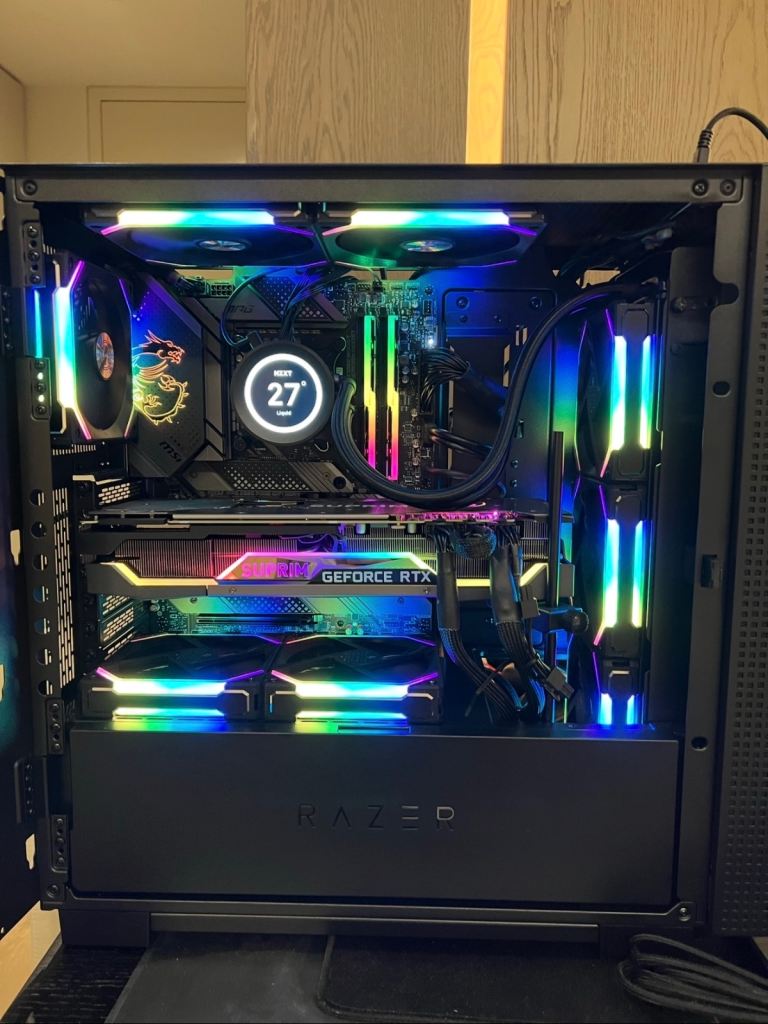
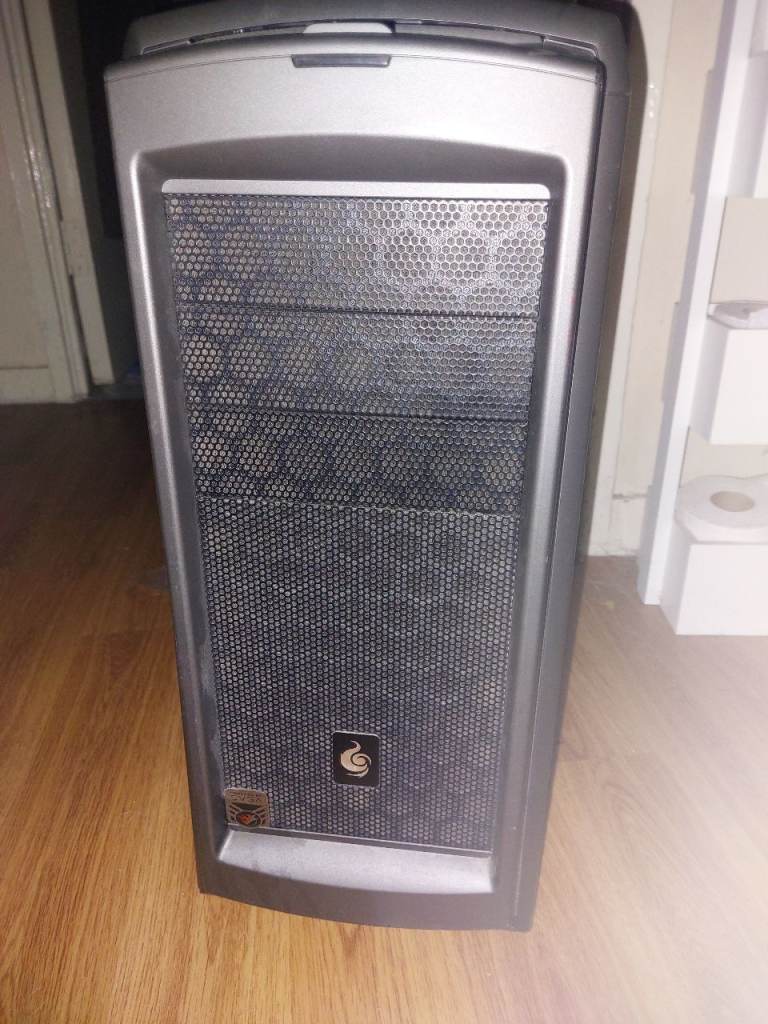
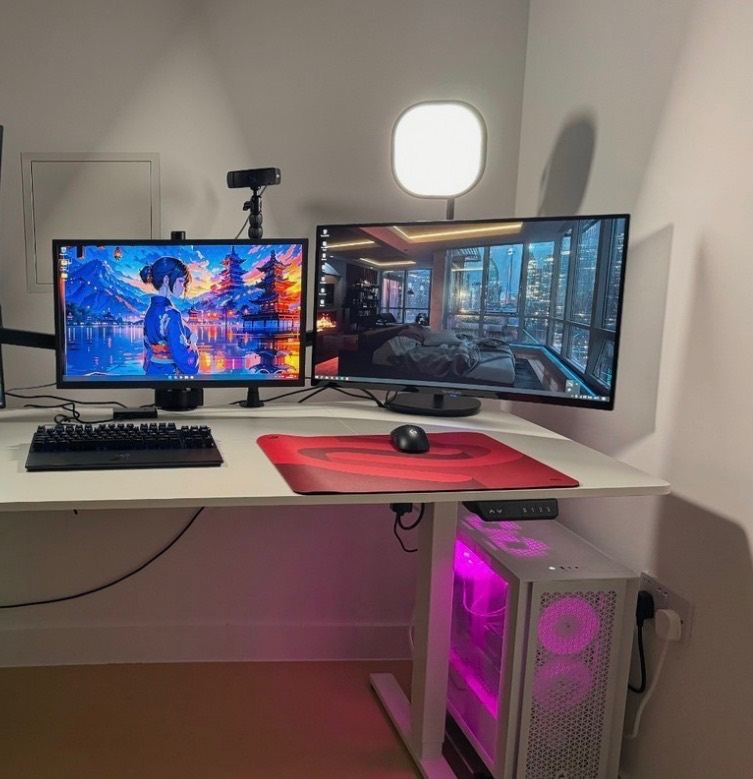
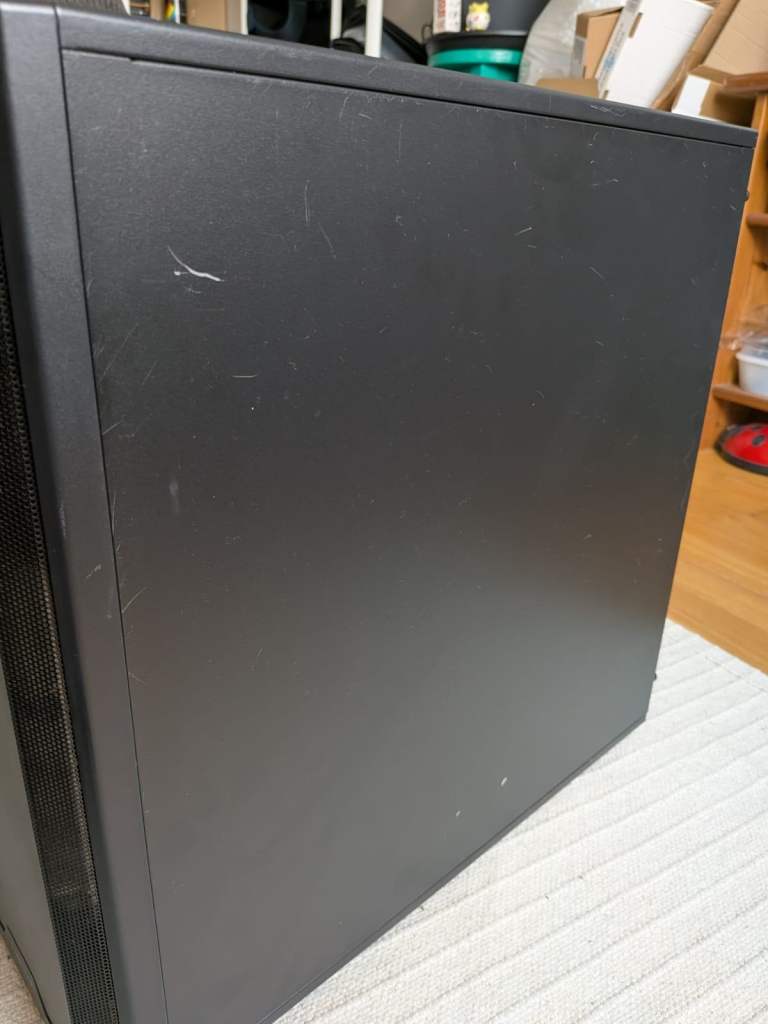
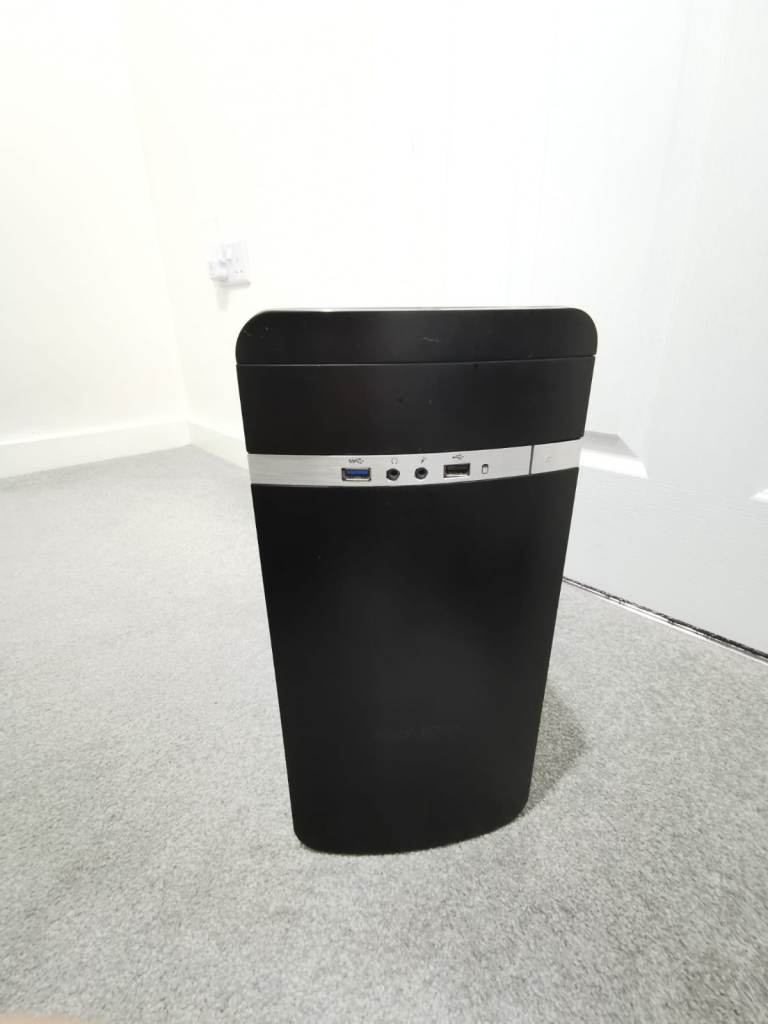
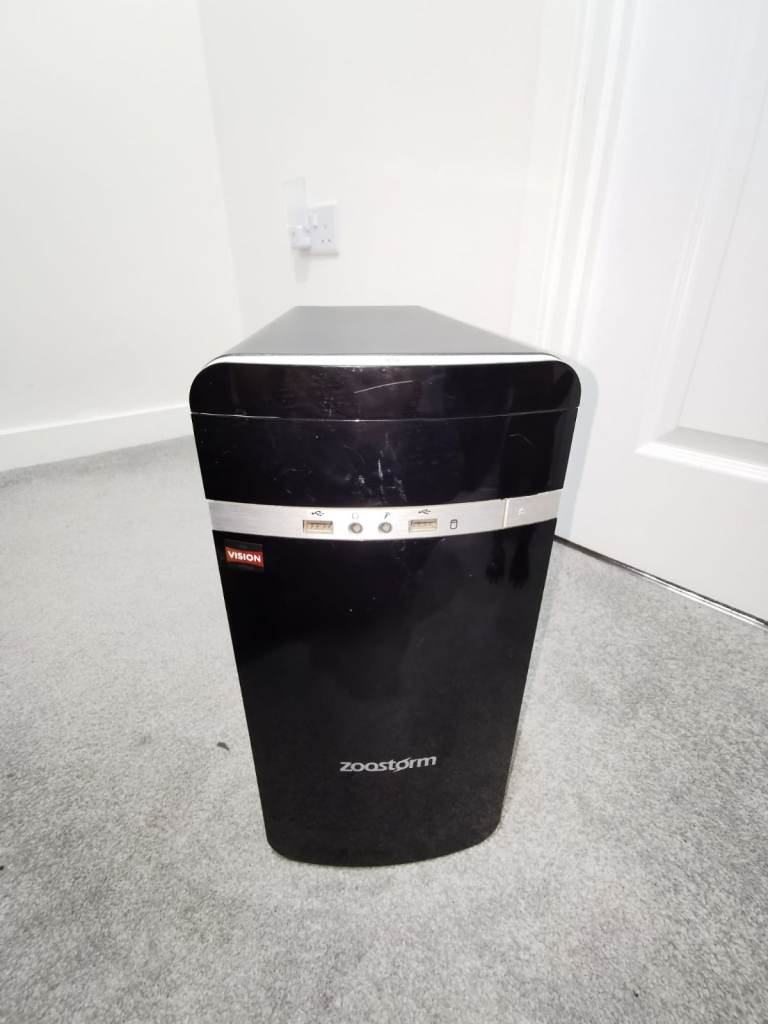
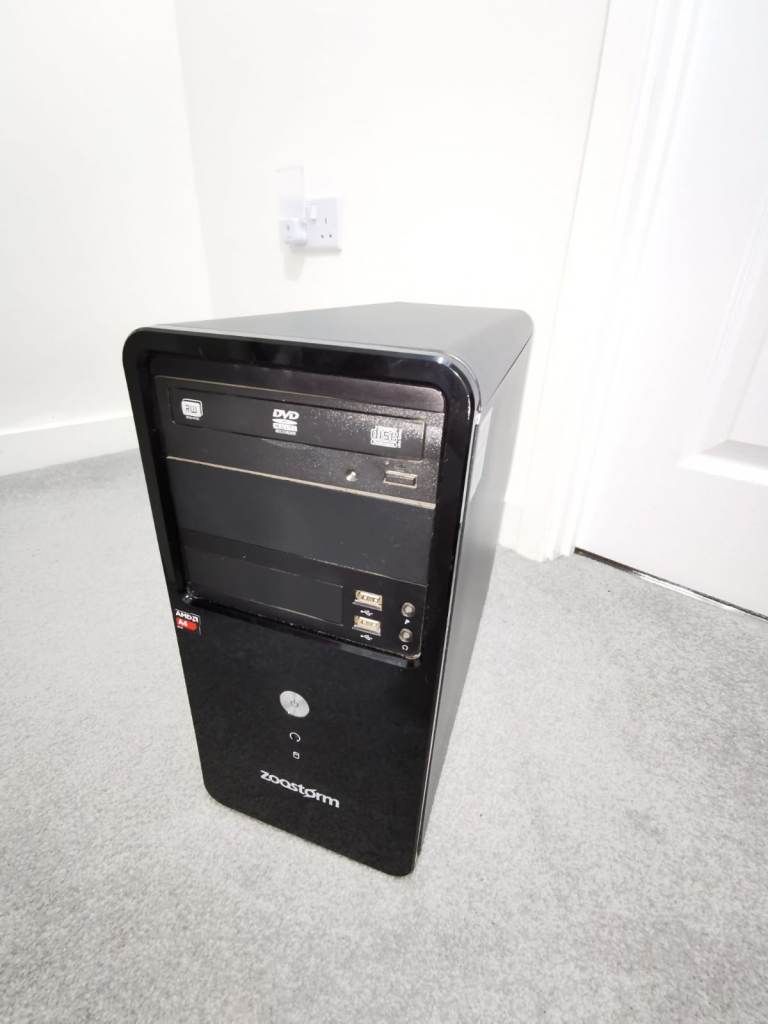
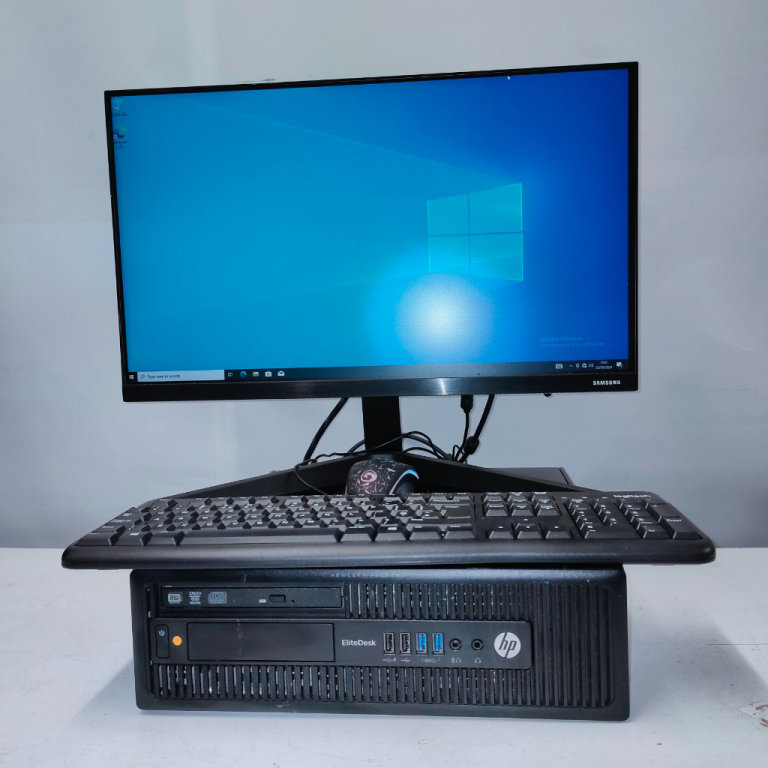
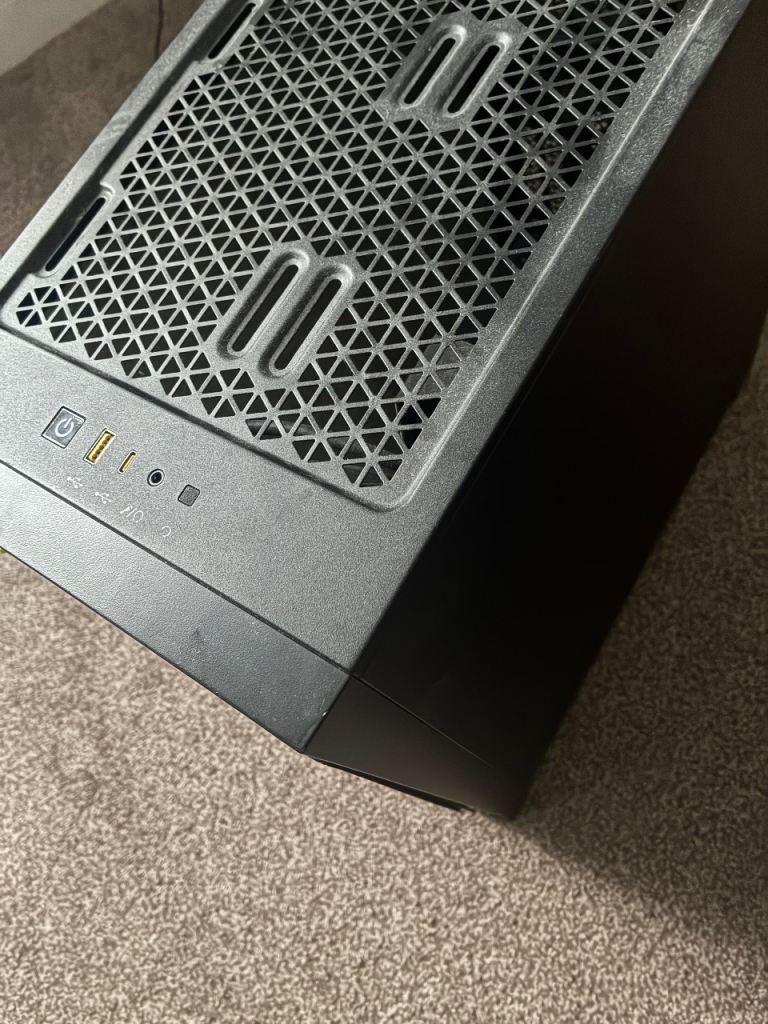
Corsair 4000D Airflow pc case old not used
CORSAIR - FRAME 4000D RS ARGB ATX Mid-Tower PC
Greenwich, London
£40
When buying a used PC, thoroughly inspect its physical condition for any damage. Check the specifications match the seller's description, including the processor, RAM, storage, and graphics card. Test the functionality of all ports (USB, HDMI, etc.) and ensure the operating system is genuine and activated. Ask about the PC's history, including any repairs or upgrades.
Before using a used PC, perform a clean installation of the operating system to remove any potentially harmful software. Install a reputable antivirus program and run a full system scan. Change all default passwords and ensure the PC is running the latest security updates.
Consider the processor speed, RAM capacity, and storage type (SSD or HDD). SSDs offer significantly faster performance. Check the graphics card if you plan to use the PC for gaming or graphics-intensive tasks. The age of the components can also impact performance, so inquire about their original purchase date.
Unfortunately, private sales on Gumtree in Northern Ireland are generally 'sold as seen', meaning your rights may be limited. However, if the seller misrepresented the PC's condition or functionality, you may have grounds for a claim under the Consumer Rights Act 2015. Keep all communication with the seller as evidence.
Always meet the seller in a public place during daylight hours. Bring a friend or family member with you. Inspect the PC thoroughly before handing over any money. If possible, test the PC's basic functions before completing the transaction. Be wary of sellers who are unwilling to meet in person or who pressure you to make a quick decision.